
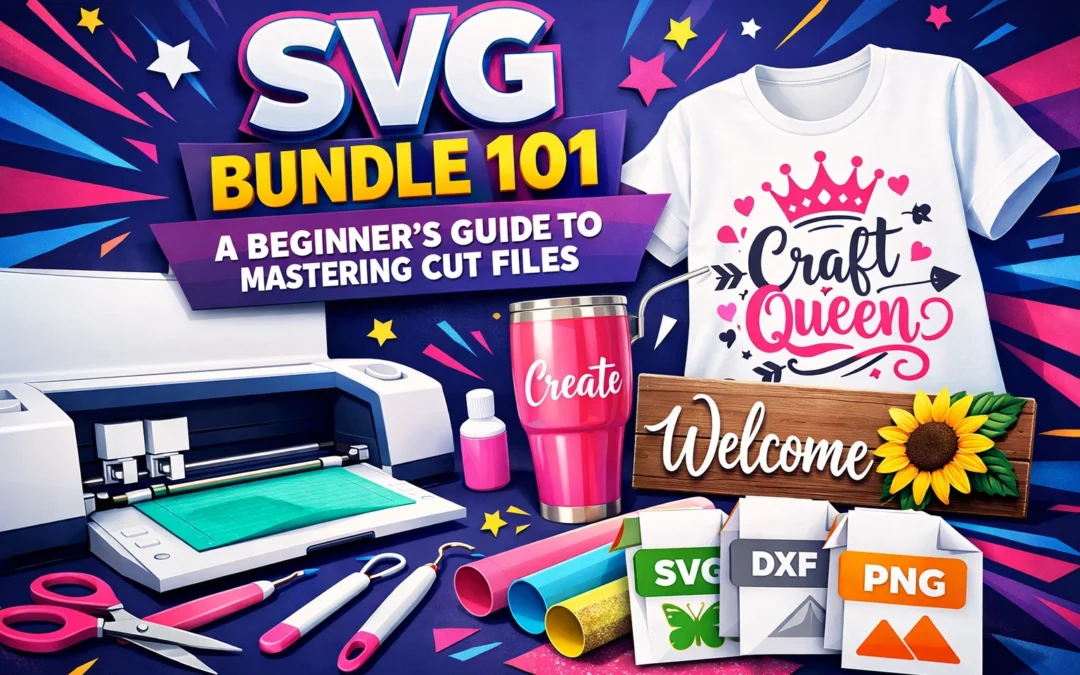
If you've ever wondered how crafters create those crisp, professional-looking designs on t-shirts, mugs, and wall decals, the answer often lies in one powerful file format: SVG. Scalable Vector Graphics have transformed the creative landscape, empowering everyone from weekend hobbyists to seasoned designers to produce stunning cut files that scale perfectly to any size. Whether you're diving into the world of cutting machines for the first time or looking to expand your design capabilities, understanding SVG bundles is paramount to unlocking your creative potential.
What Makes SVG Files Indispensable
SVG files are vector-based graphics: fundamentally different from the raster images you might be accustomed to like PNGs or JPEGs. The beauty of vector graphics lies in their mathematical precision: they use coordinates, paths, and shapes to construct images rather than pixels. This means your design maintains its crisp, clean edges whether you're creating a tiny sticker or a massive wall decal.
When you resize a JPEG or PNG, you'll notice quality degradation: those frustrating pixelated edges and blurry details. SVGs eliminate this problem entirely. Scale them up to billboard size or down to business card dimensions, and they remain flawlessly sharp. This quality makes them the gold standard for cutting machines, vinyl work, and any project where precision matters.
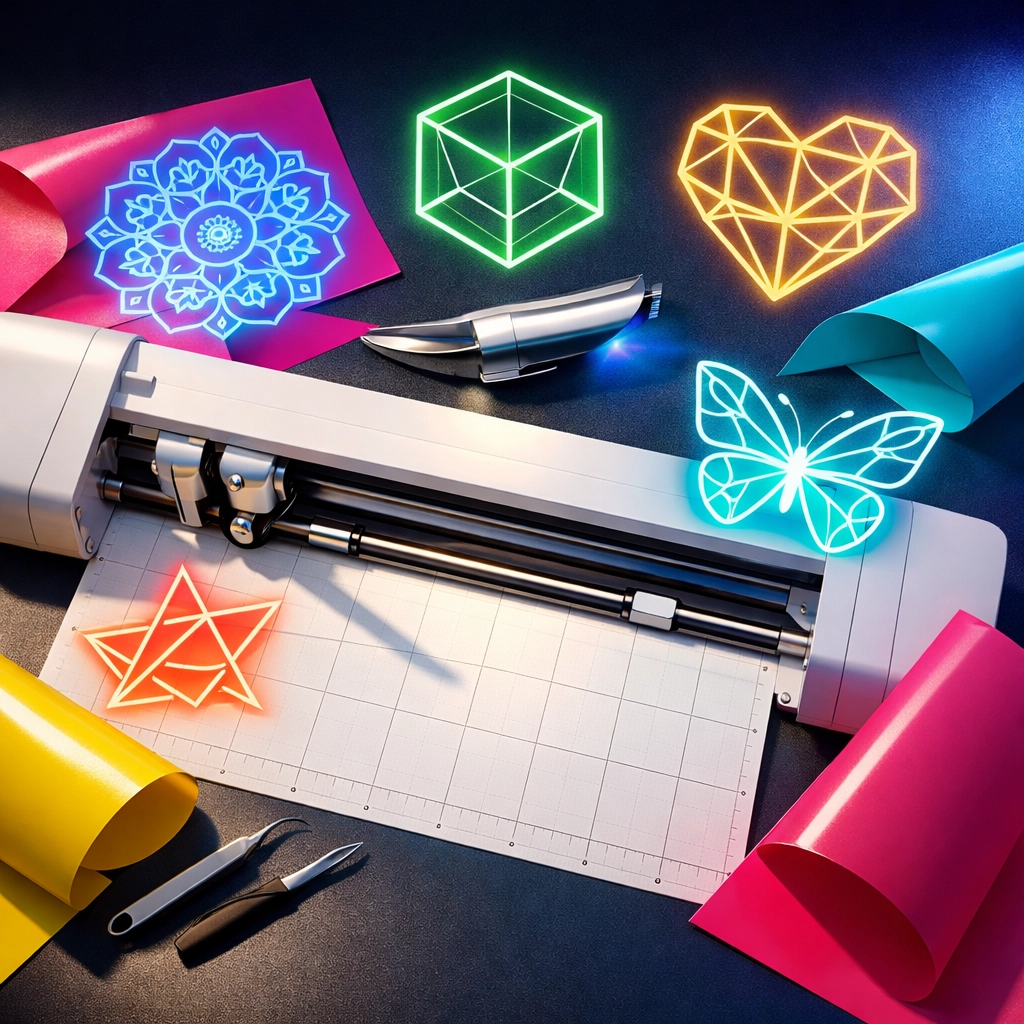
Beyond their scalability, SVG files offer unparalleled flexibility in design software. You can manipulate individual elements, adjust colors on the fly, combine multiple designs, and customize every detail to match your vision. This adaptability transforms a simple graphic into an endless array of creative possibilities.
Understanding Your SVG Bundle Ecosystem
When you invest in an SVG bundle, you're typically receiving more than just the cut file itself. Professional bundles include multiple file formats to maximize your creative options:
SVG files serve as your primary working format: the vector file your cutting machine reads and translates into precise cuts. These files maintain transparency and allow for infinite customization.
PNG files complement your SVGs by providing raster versions with transparent backgrounds. These prove invaluable for digital mockups, social media graphics, and preview images when you're showcasing your work to clients or customers.
JPEG files round out the package as high-quality preview images. While they lack transparency, they're perfect for displaying your designs in portfolios or online marketplaces where file size and compatibility matter.
This multi-format approach ensures you're equipped for any project that comes your way, whether you're cutting vinyl, creating digital products, or designing for print-on-demand platforms.
Getting Started with Your First SVG Project
The journey from beginner to confident cut file creator begins with understanding your workflow. Start by familiarizing yourself with your cutting machine's design software: whether that's Cricut Design Space, Silhouette Studio, or another platform. Each program has its quirks, but they all follow similar fundamental principles.
Upload your SVG file to the design software and take a moment to examine how the design is structured. You'll notice that complex designs often consist of multiple layers or grouped elements. This layered approach is what enables those impressive multi-color vinyl designs you've admired.
Before cutting anything, experiment with the digital canvas. Resize your design proportionally by holding down shift while dragging corners. Adjust colors to match your available materials. Ungroup elements to move or modify individual components. This exploration phase costs nothing but time and builds the confidence you'll need for physical projects.
When you're ready to cut, start with simple, single-layer designs using materials you're comfortable with. Success breeds confidence, and mastering the basics creates a solid foundation for more ambitious projects later.
Mastering Multi-Layer SVG Designs
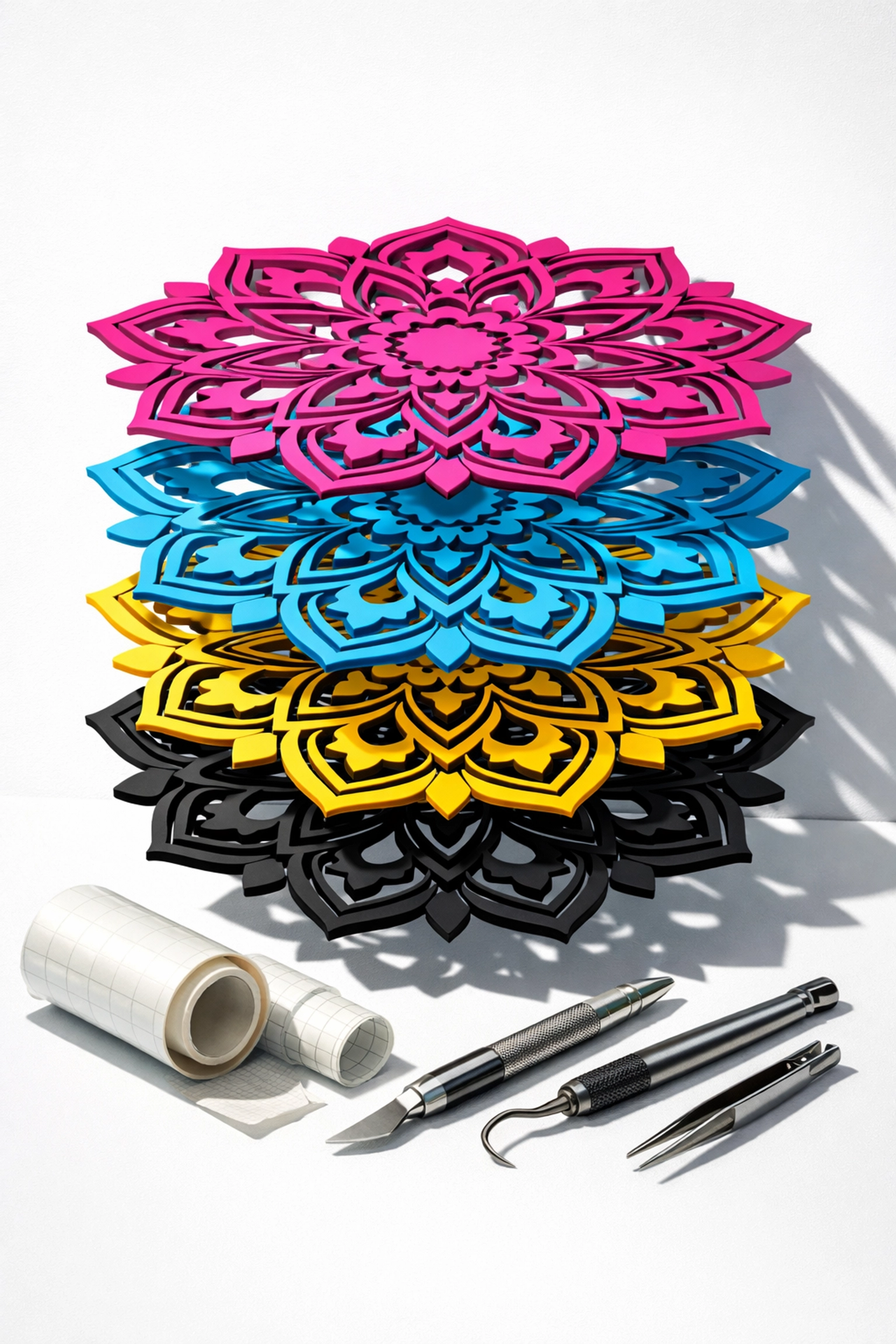
Multi-layer SVGs represent the next level in your cut file journey, allowing you to create intricate, colorful designs that truly stand out. These designs separate each color or element onto different layers, which you'll cut from various vinyl colors and then layer together to create the final piece.
Working with multi-layer files requires attention to detail and patience. In your design software, assign each layer its correct color to visualize the final result. Use registration marks: those small alignment markers: to ensure each layer lines up perfectly during assembly. This precision transforms a good design into a professional one.
A valuable technique for simplifying complex designs is welding. When multiple shapes overlap, welding them together eliminates unnecessary cut lines and reduces weeding time. Your design software likely includes this feature, and mastering it will streamline your workflow significantly.
Essential Tools for Cut File Success
Beyond your cutting machine and computer, several tools elevate your SVG work from functional to professional:
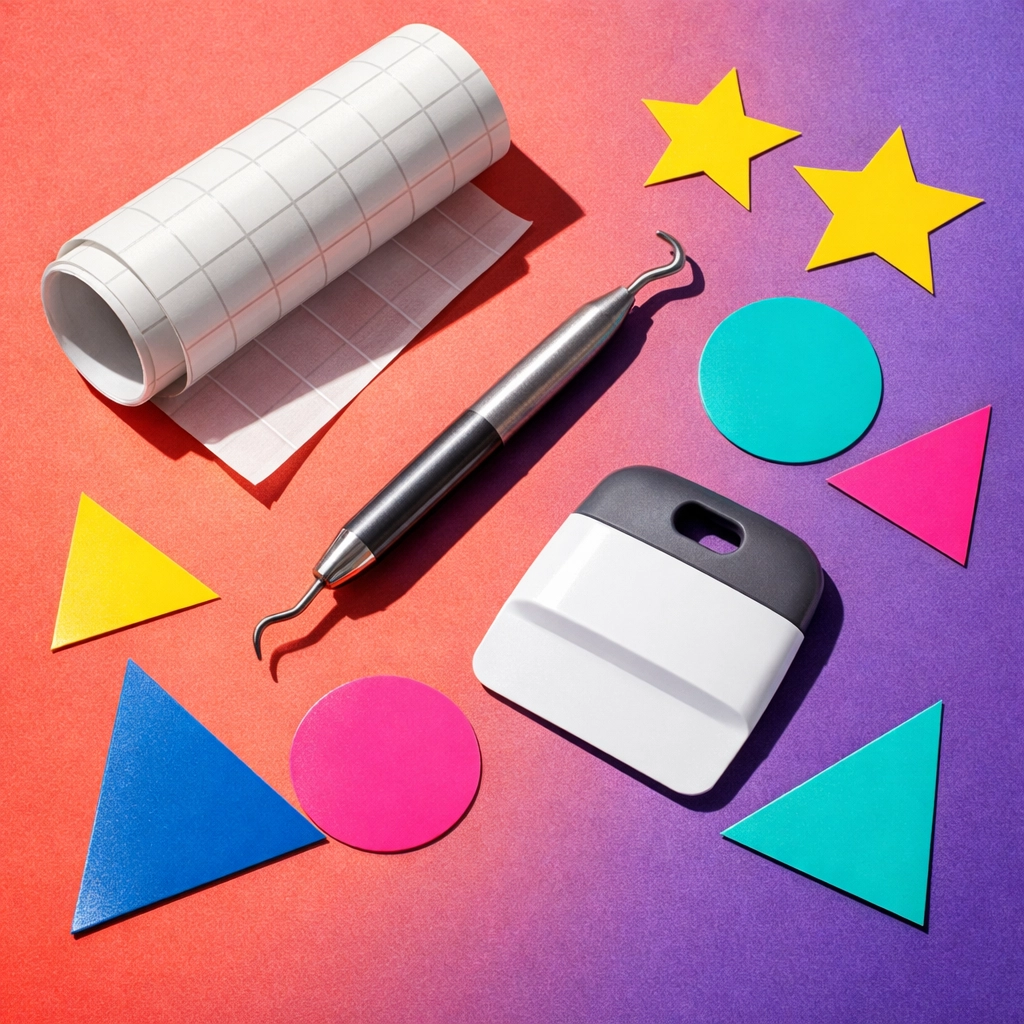
A weeding tool becomes your best friend when removing excess vinyl from intricate designs. Those tiny interior cuts and detailed elements require precision that your fingers alone can't provide.
Transfer tape is indispensable for moving your layered designs from the backing sheet to your final surface. Quality transfer tape maintains the position of every element while allowing for smooth, bubble-free application.
A scraper or squeegee ensures your vinyl adheres completely to surfaces by pressing out air bubbles and creating consistent pressure across the entire design.
These tools represent a modest investment that pays dividends in time saved and quality achieved. As you progress, you'll discover which brands and styles work best for your specific needs.
Organizing Your Growing Design Library
As your SVG collection flourishes, organization becomes critical to maintaining efficiency. Create a logical folder structure on your computer that makes sense to you: whether that's by project type, theme, season, or commercial licensing status.
Consider naming files descriptively rather than generically. "christmas-tree-layered-svg" tells you infinitely more at a glance than "design-047.svg" ever could. Include relevant keywords in filenames to make searching easier as your library expands.
For designers creating bundles to sell, maintaining a master spreadsheet that tracks each design's format variations, licensing details, and marketplace listings prevents costly mistakes and streamlines your business operations.
Exploring Creative Applications
The versatility of SVG bundles means your creative possibilities extend far beyond simple vinyl decals. T-shirt designs represent a massive opportunity, especially in the print-on-demand space where unique graphics command premium prices. If you're interested in this avenue, explore how design bundles can accelerate your business growth.
Wall decals and home décor projects allow you to transform living spaces with personalized touches. Seasonal designs rotate throughout the year, ensuring steady demand for fresh graphics. Holiday cards, gift tags, and paper crafts expand your reach beyond vinyl entirely.
Embroidery designs benefit from the precision of SVG files, translating those clean lines into beautiful stitched pieces. Even if you're not operating the embroidery machine yourself, providing properly formatted files to production partners ensures your vision translates accurately.
Building Your Bundle Creation Skills
Creating your own SVG bundles for sale or personal use starts with developing or sourcing quality graphics. Design software like Canva, Adobe Illustrator, or even free alternatives like Inkscape provide the tools needed to create professional cut files.
When converting raster images to SVG format, use vectorization tools to trace your designs. This process requires some finesse: adjust threshold settings to balance detail with file complexity. Overly complex SVGs with thousands of nodes will slow down cutting machines and create unnecessarily large files.
Export your designs at substantial dimensions to ensure customers can scale them confidently. Files exported at 4,000 pixels or larger provide ample resolution for most applications while maintaining reasonable file sizes.
Your Path Forward in the SVG World
Mastering cut files opens doors to creative expression and potential income streams that few other skills offer. The combination of technical precision and artistic vision makes SVG work endlessly engaging: there's always a new technique to learn or design challenge to tackle.
Start with simple projects that build your confidence. Progress to multi-layer designs as your skills develop. Experiment with different materials and applications to discover what resonates with your creative vision. Most importantly, embrace the learning process: every mistake teaches you something valuable about file preparation, machine settings, or material properties.
The community of crafters and designers working with SVG files is welcoming and generous with advice. Online forums, social media groups, and tutorial channels provide endless support as you navigate challenges and celebrate successes.
Visit Design Vault to explore professionally crafted SVG bundles that jumpstart your projects while teaching you what makes great cut files work. Whether you're creating for pleasure or profit, the world of SVG design awaits your unique creative vision.