
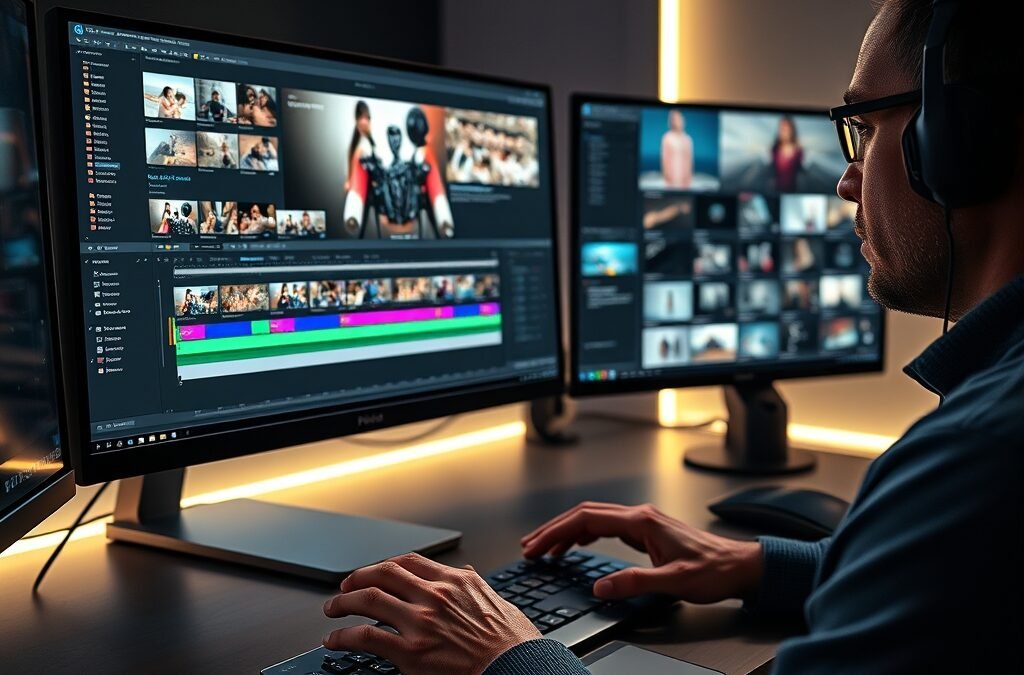
Ever feel like your video editing process is a tangled mess of files, endless rendering, and missed deadlines? Many aspiring and professional video creators struggle with inefficient workflows, turning what should be a creative joy into a frustrating chore. But what if there was a way to streamline your entire video production, from the initial cut to the final export, making every project smoother, faster, and more enjoyable?
Optimizing your video editing workflow isn’t just about speed; it’s about unlocking your full creative potential and delivering stunning results consistently. By adopting strategic approaches and leveraging the right resources, you can transform your post-production experience and elevate the quality of your content.
The Core Challenge: Why Workflow Matters in Video Production
In the fast-paced world of digital content, speed and quality are paramount. An unoptimized workflow can lead to burnout, missed opportunities, and a significant drop in the overall quality of your output. It’s not enough to simply know how to use video editing tools; true mastery comes from integrating them into a cohesive, efficient system.
Think about the hours lost searching for the right sound effect, creating custom transitions from scratch, or wrestling with slow software. These small inefficiencies accumulate, hindering your ability to take on more projects or dedicate time to the truly creative aspects of your work. A robust workflow ensures consistency and reliability across all your projects.
Beyond the Basic Cut: Elevating Your Efficiency
Professional video editing isn’t just about cutting clips together. It involves color grading, sound design, motion graphics, special effects, and a myriad of other intricate tasks. Each of these components, when managed poorly, can add significant time and complexity to your projects.
Elevating your efficiency means adopting strategies and resources that empower you to tackle these elements with greater ease and speed. It’s about working smarter, not just harder, to produce captivating visual stories that resonate with your audience and achieve your creative goals.
Essential Video Editing Tools for a Seamless Process
At the heart of every great video production lies powerful and intuitive software. Understanding how to use video editing tools effectively is the first step towards an optimized workflow. Modern editing suites offer a vast array of features designed to simplify complex tasks and enhance your creative control.
From non-linear editing (NLE) platforms to specialized tools for audio and visual effects, selecting the right software suite is crucial. However, merely having the software isn’t enough; you need to master its capabilities and integrate it into your unique production pipeline. For those looking to dive deep and truly master their craft, comprehensive resources like the Video Editing Bundle offer an invaluable collection of tutorials and templates to accelerate your learning and application.
Leveraging Software for Speed and Precision
Effective use of keyboard shortcuts, custom presets, and proxy workflows can dramatically cut down editing time. Learning to navigate your software’s interface efficiently and utilize its advanced features, such as multi-cam editing or dynamic link integrations, will set you apart from the competition.
Precision in editing, color correction, and sound mixing contributes to a polished final product. The right tools, when wielded skillfully, allow for meticulous adjustments that elevate the production value of your videos without adding unnecessary hours to your schedule.
Supercharging Your Edits with Premium Assets
Even with the best software, creating every single element from scratch can be incredibly time-consuming. This is where high-quality assets become indispensable. Think about motion graphics, cinematic transitions, professional sound effects, and title templates – these elements can transform a good video into a great one, all while saving you precious time.
Integrating pre-made, professional-grade assets into your workflow frees you up to focus on the narrative and creative direction, rather than getting bogged down in repetitive design tasks. They ensure a consistent, high-quality look and feel across all your projects, giving your work a polished, professional edge that truly stands out.
The Power of Pre-made Elements
Imagine needing a dynamic transition for a sequence or a unique sound effect to emphasize a moment. Instead of spending hours designing it or searching through free, low-quality options, you can simply drop in a professionally crafted asset. This not only saves time but also guarantees a higher standard of production.
For an expansive library of such resources, consider exploring the Video Edit Assets Bundle. This collection provides an incredible array of elements that can instantly elevate your video quality, making your projects stand out without the extensive effort of starting from zero.
Accelerating Your Creative Vision
The true power of assets lies in their ability to accelerate your creative vision. They provide a foundation upon which you can build, allowing you to experiment with different styles and effects quickly. This iterative process is key to discovering what truly works for your story and audience.
By having a rich toolkit of assets at your disposal, you can transform abstract ideas into tangible visual and auditory experiences with remarkable speed and efficiency, bringing your creative concepts to life faster than ever before.
Crafting Your Optimized Video Editing Workflow
Building an efficient workflow is an an ongoing process of refinement. It involves establishing clear project organization, setting up robust backup systems, and constantly evaluating your tools and techniques. Start by identifying bottlenecks in your current process and look for ways to eliminate them.
Consider creating project templates for common video types you produce. This pre-sets your sequence settings, folder structures, and often-used assets, allowing you to jump straight into editing. Consistency in naming conventions and file management is also paramount for long-term productivity and collaborative efforts.
Practical Steps for Enhanced Productivity
- Pre-production Planning: A detailed script, storyboard, or shot list can save immense time in post-production by ensuring you capture exactly what you need.
- Asset Organization: Create a well-structured library for all your media, including footage, audio, graphics, and effects. Use consistent naming conventions.
- Proxy Workflow: For high-resolution footage, edit with proxy files to ensure smooth playback and faster rendering times, especially on less powerful machines.
- Keyboard Shortcuts: Master them! They are the fastest way to execute commands in your editing software.
- Batch Processing: Utilize features that allow you to apply effects, color grades, or exports to multiple clips or projects simultaneously.
- Regular Backups: Implement a robust backup strategy to protect your work from accidental loss and ensure peace of mind.
By implementing these strategies and leveraging powerful resources like the Video Editing Bundle for comprehensive learning and the Video Edit Assets Bundle for instant creative enhancements, you can transform your video production process. You’ll not only save countless hours but also elevate the professional quality of every video you create, allowing you to focus more on storytelling and less on technical hurdles. Start optimizing today and watch your creative output soar!