
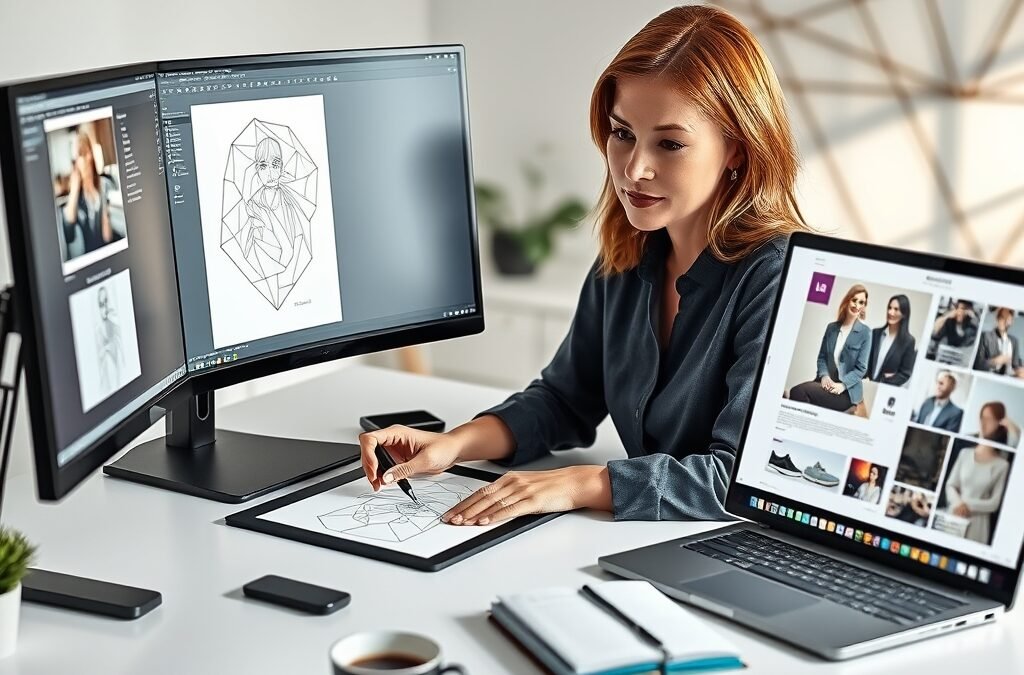
In the fast-paced world of visual communication, an efficient workflow is not just a luxury—it’s a necessity. As a graphic designer, you juggle multiple projects, tight deadlines, and the constant demand for fresh, engaging visuals. The key to navigating this dynamic environment lies in mastering your workflow and, crucially, knowing how to seamlessly integrate your **graphic design tools** to achieve stunning results. This isn’t just about knowing how to use individual software; it’s about making them work together in harmony, transforming your ideas from concept to compelling reality with unparalleled efficiency.
The Foundation: Building a Smart Graphic Design Workflow
Every masterpiece begins with a solid plan. A well-structured graphic design workflow acts as your roadmap, guiding you through each stage of a project and ensuring a smooth, productive journey. Without one, you risk disjointed efforts, wasted time, and designs that fall short of their potential.
Planning Your Design Journey
Before diving into any software, take time to define the project’s scope, target audience, and key objectives. This initial planning phase is critical for setting the right creative direction.
- Brief Analysis: Understand client needs, goals, and brand guidelines.
- Research & Inspiration: Explore trends, competitor analysis, and gather visual references.
- Mood Boards: Curate images, colors, and typography to establish a visual tone.
- Sketching & Ideation: Develop initial concepts rapidly, often with pen and paper, before digitizing.
Choosing the Right Tools for Each Stage
Different creative applications excel at different tasks. Understanding their strengths allows you to select the most appropriate digital instruments for each phase of your design process, from conceptualization to final output.
Integrating Your Graphic Design Tools for Seamless Creation
The true power of your design software is unleashed when you learn to integrate them, moving assets and ideas between applications with ease. This synergy enhances your creative capabilities and significantly boosts your productivity.
From Concept to Vector: Precision and Scalability
Once your initial sketches are approved, translating them into scalable, editable vector graphics is often the next step. Vector-based applications are indispensable for creating logos, illustrations, and icons that retain their crispness at any size, a crucial aspect of professional design.
For instance, a logo concept might start as a rough sketch, then be refined in a vector program like Adobe Illustrator or Inkscape. Here, you can meticulously craft paths, shapes, and typography, ensuring every element is perfectly aligned and mathematically precise. This foundational vector work provides the backbone for all subsequent design applications.
Mastering Raster for Rich Textures and Imagery
While vectors handle crisp lines and shapes, raster graphics are essential for photographs, complex textures, and detailed digital painting. Applications like Adobe Photoshop or GIMP are your go-to for image manipulation, retouching, and creating visually rich compositions.
Imagine integrating a perfectly retouched product photo (created in Photoshop) into a vector-based layout. The ability to seamlessly import and adjust these raster elements within your overall design ensures a cohesive and polished final product, whether for digital campaigns or high-resolution print materials.
Bringing It All Together: Layout and Presentation
With your individual design elements crafted, the next stage involves assembling them into a coherent layout. Dedicated layout programs are designed to handle multi-page documents, precise text formatting, and the integration of both vector and raster assets, ensuring consistency and professional presentation.
For print projects like brochures or magazines, Adobe InDesign is a powerful choice, allowing for sophisticated typography and complex page structures. For digital interfaces and web design, tools like Figma or Adobe XD facilitate collaborative design and prototyping, ensuring your designs are not only beautiful but also functional and user-friendly. The smooth exchange of assets between these diverse tools is what defines a truly optimized workflow.
Advanced Tips for Graphic Design Efficiency and Impact
Beyond basic tool usage, a few advanced practices can dramatically enhance your efficiency and the impact of your designs. These techniques help streamline repetitive tasks and maintain consistency across projects.
- Keyboard Shortcuts: Memorize and utilize shortcuts to speed up common actions.
- Templates & Libraries: Create reusable templates for common project types and build asset libraries for quick access to frequently used elements (icons, brand assets, styles).
- Version Control: Implement a clear system for saving and tracking different iterations of your work, preventing loss and facilitating easy revisions.
- Collaboration Tools: Leverage cloud-based platforms for real-time feedback and seamless team collaboration.
Best Practices for Digital and Print Design
Understanding the nuances between digital and print design is crucial for achieving optimal results in both mediums. While many principles overlap, specific technical considerations differ significantly.
- Color Modes: Use RGB for digital screens and CMYK for print to ensure accurate color reproduction.
- Resolution: Design for web at 72 DPI and for print at 300 DPI to maintain image clarity.
- Bleed & Margins: Incorporate bleed for print designs to avoid white edges after trimming, and set appropriate margins for both digital and print to ensure readability and visual balance.
- File Formats: Choose appropriate formats (e.g., JPEG, PNG for web; PDF, TIFF for print) based on quality, transparency, and compression needs.
Elevate Your Skills with Comprehensive Resources
Mastering the integration of your design workflow and advanced techniques requires continuous learning and access to high-quality resources. To truly elevate your creative output and streamline your process, investing in a comprehensive learning solution can make all the difference. Imagine having access to a vast library of tutorials, templates, and assets designed to help you conquer every aspect of graphic design, from foundational principles to advanced tool mastery.
For designers looking to unlock their full potential and build a truly efficient and impactful design practice, the Graphic Design Bundle offers an unparalleled opportunity. It’s packed with everything you need to refine your skills, optimize your workflow, and consistently produce stunning visuals that captivate and convert.
Embracing an integrated approach to your graphic design tools and workflow will not only save you time but also open up new avenues for creative expression. By strategically combining the strengths of different applications and adhering to best practices, you’ll produce more polished, professional, and powerful designs. Start streamlining your process today and watch your creative vision come to life with newfound ease and brilliance.